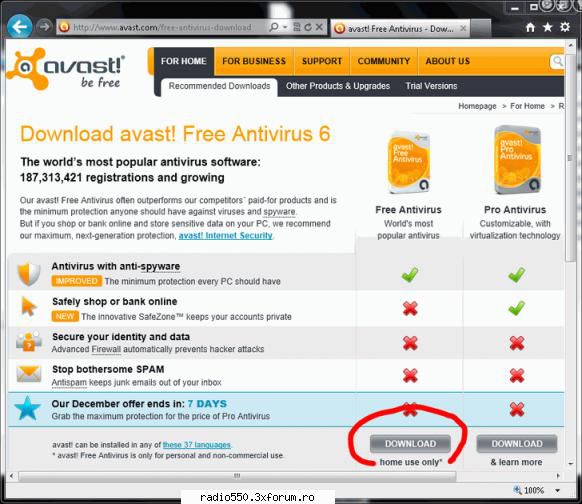
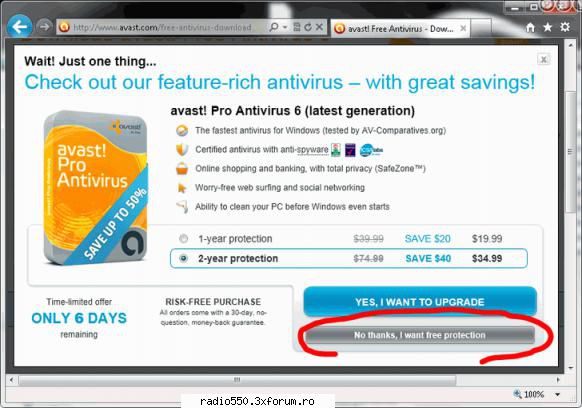
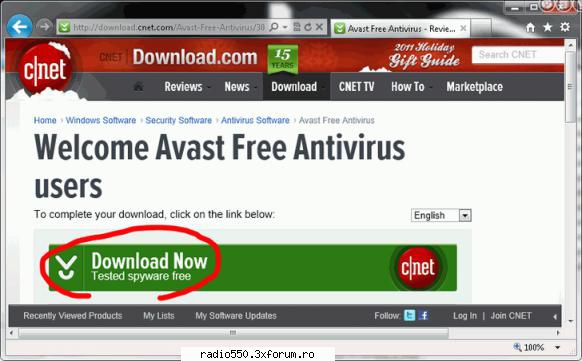
Pasul 1: Acceseaza pagina oficiala de descarcare a programului antivirus gratis Avast Free Antivirus aflata la adresa http://www.avast.com/free-antivirus-download si apasa butonul Download aflat in dreptul versiunii Free Antivirus:
Avast Download and Install – poza de fulger, in Sugestii · 60.4KB
_______________________________________ //Contact Personal ID Yahoo: ddani675 [@] yahoo [.] com[/b] // http://radio550.3xforum.ro/ ! ! // Sunt Administrator Respect Regulamentul la sange ! !
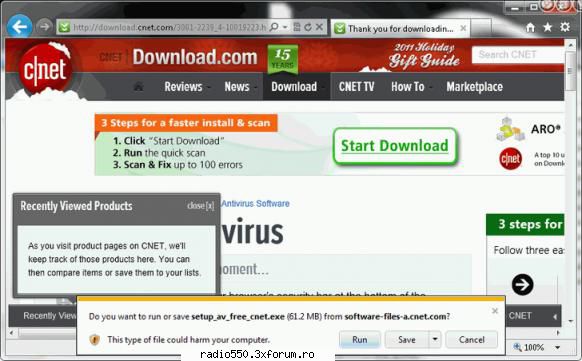
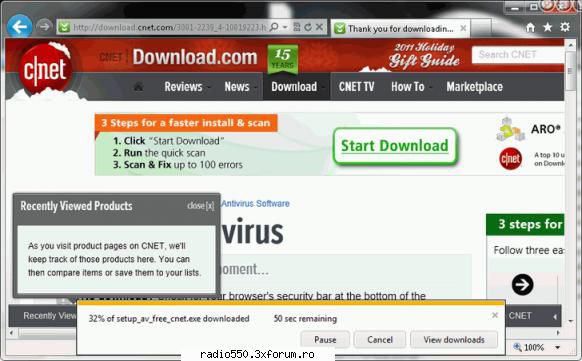
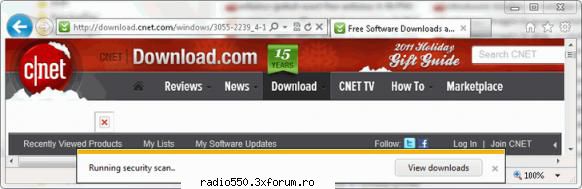
Pasul 4: La mesajul de confirmare alege optiunea Run pentru a porni instalarea programului antivirus gratis Avast Free Antivirus imediat dupa descarcare:
Avast Download and Install – poza de fulger, in Sugestii · 43.7KB
_______________________________________ //Contact Personal ID Yahoo: ddani675 [@] yahoo [.] com[/b] // http://radio550.3xforum.ro/ ! ! // Sunt Administrator Respect Regulamentul la sange ! !
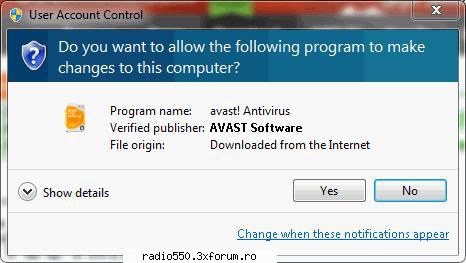
Pasul 7: In fereastra User Account Control verifica valorile Program name si Verified Publisher care trebuie sa fie avast! Antivirus si AVAST Software si daca totul este in regula apasa pe butonul Yes:
Avast Download and Install – poza de fulger, in Sugestii · 27.2KB
_______________________________________ //Contact Personal ID Yahoo: ddani675 [@] yahoo [.] com[/b] // http://radio550.3xforum.ro/ ! ! // Sunt Administrator Respect Regulamentul la sange ! !
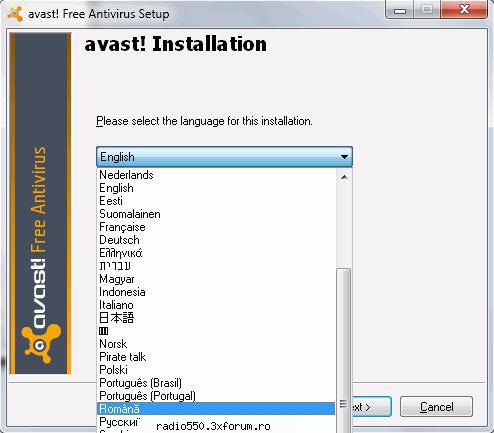
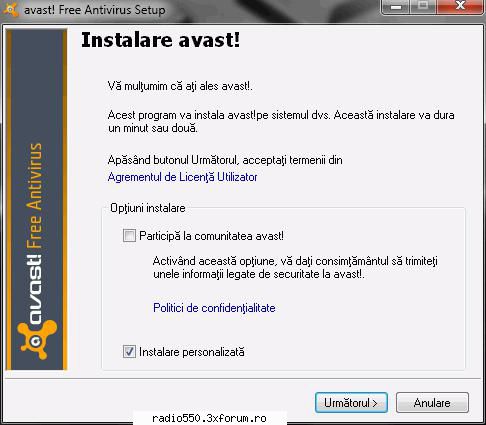
Pasul 8: Selecteaza limba Romana din lista derulanta si apasa butonul Next pentru a incepe instalarea programului antivirus gratis Avast Free Antivirus 6 in limba Romana pe calculatorul tau:
Avast Download and Install – poza de fulger, in Sugestii · 32.8KB
_______________________________________ //Contact Personal ID Yahoo: ddani675 [@] yahoo [.] com[/b] // http://radio550.3xforum.ro/ ! ! // Sunt Administrator Respect Regulamentul la sange ! !
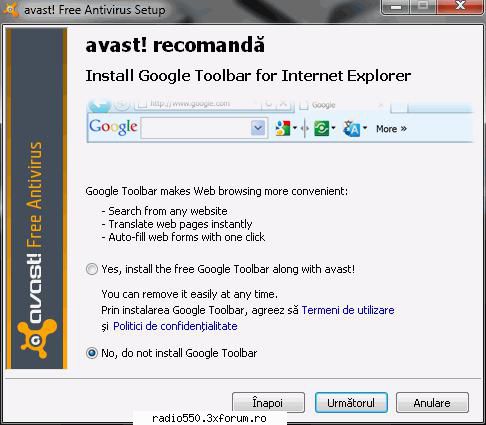
Pasul 12: Selecteaza optiunea No, do not install Google Toolbar pentru a pastra neschimbata interfata programului tau preferat de acces la paginile web:
Avast Download and Install – poza de fulger, in Sugestii · 43.8KB
_______________________________________ //Contact Personal ID Yahoo: ddani675 [@] yahoo [.] com[/b] // http://radio550.3xforum.ro/ ! ! // Sunt Administrator Respect Regulamentul la sange ! !
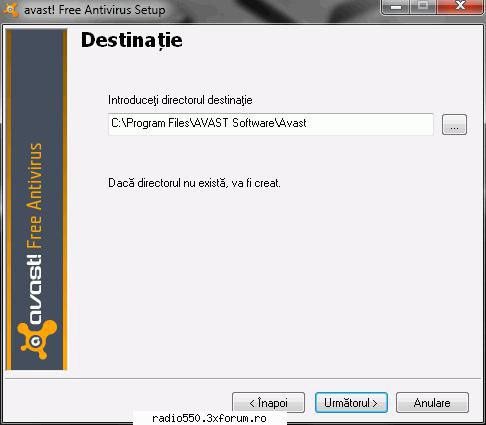
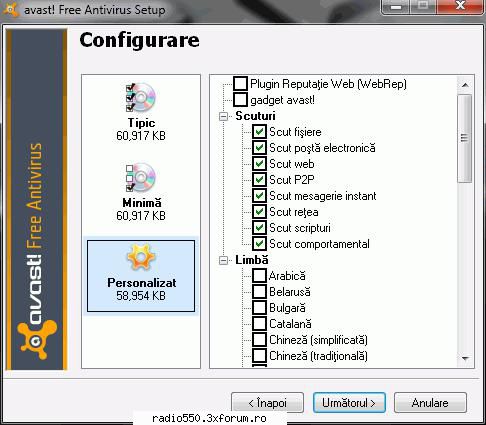
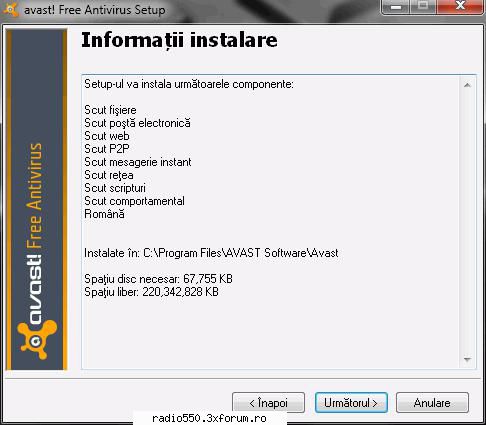
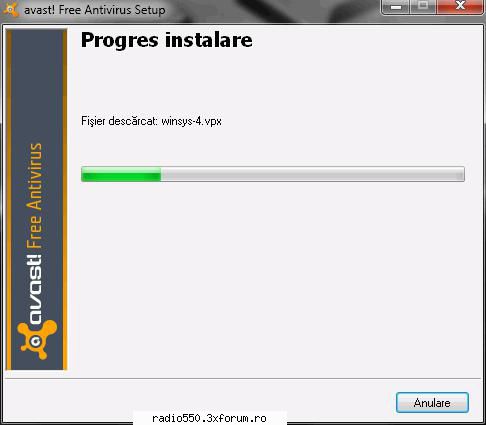
Pasul 13: Verifica optiunile de instalare ale programului antivirus gratis Avast pe calculatorul tau si daca totul este asa cum iti doresti apasa butonul Urmatorul pentru a trece la urmatorul pas al instalarii:
Avast Download and Install – poza de fulger, in Sugestii · 33.8KB
_______________________________________ //Contact Personal ID Yahoo: ddani675 [@] yahoo [.] com[/b] // http://radio550.3xforum.ro/ ! ! // Sunt Administrator Respect Regulamentul la sange ! !
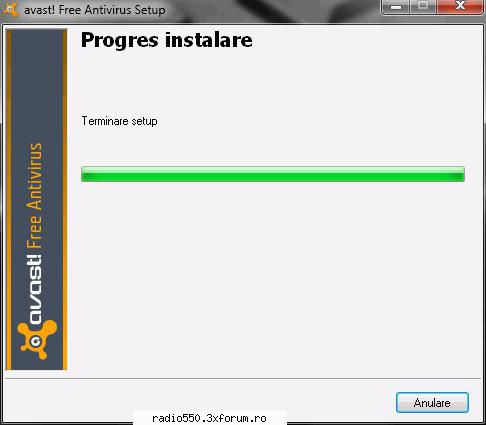
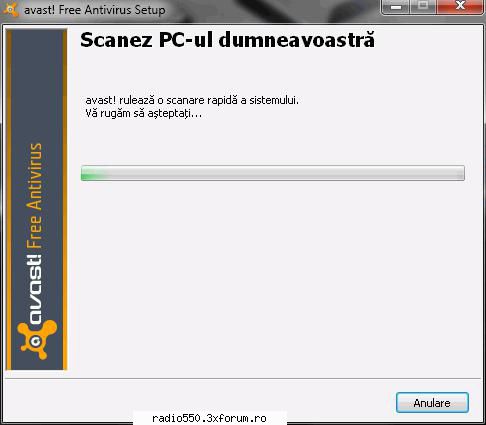
Pasul 17: In final vei primi mesajul de confirmare a instalarii programului antivirus gratis Avast Free Antivirus 6 pe calculatorul tau. Apasa pe butonul Terminare:
_______________________________________ //Contact Personal ID Yahoo: ddani675 [@] yahoo [.] com[/b] // http://radio550.3xforum.ro/ ! ! // Sunt Administrator Respect Regulamentul la sange ! !
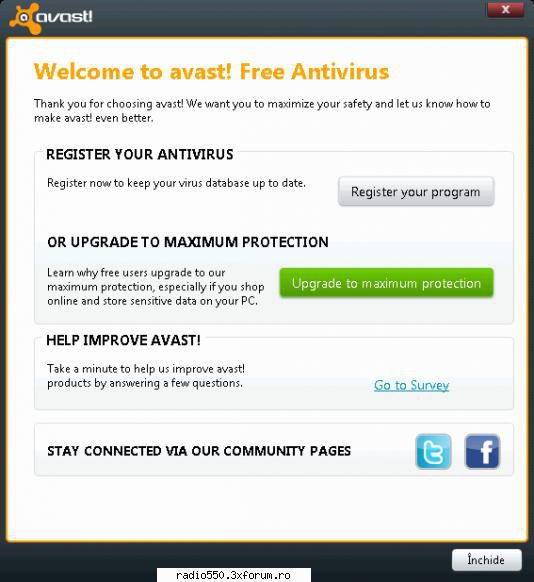
Pasul 18: Urmeaza aparitia ferestrei de Upgrade si Inregistrare a programului antivirus gratis Avast Free Antivirus 6. Apasa pe butonul Inchide pentru a finaliza instalarea:
Avast Download and Install – poza de fulger, in Sugestii · 47.8KB
_______________________________________ //Contact Personal ID Yahoo: ddani675 [@] yahoo [.] com[/b] // http://radio550.3xforum.ro/ ! ! // Sunt Administrator Respect Regulamentul la sange ! !